


Self-Service QR Payments
Customers scan and pay with JazzCash, Easypaisa or any bank app through Raast. No change to count, no waiting.
Smart Petrol Pump Management
Petrovin connects your pumps, attendants and payments in one system. Customers pay by QR or cash, the pump runs only for what was paid, and you watch every sale live from anywhere.
About Petrovin
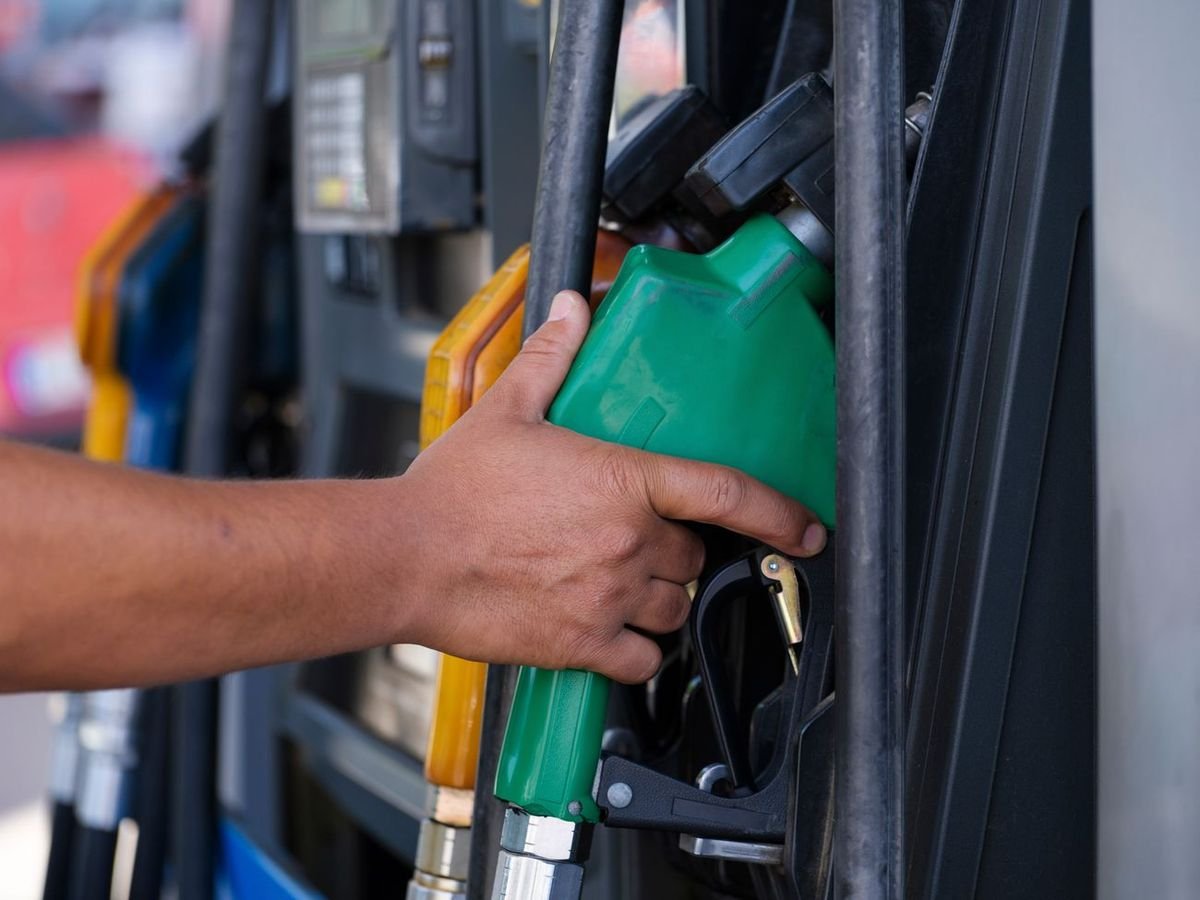
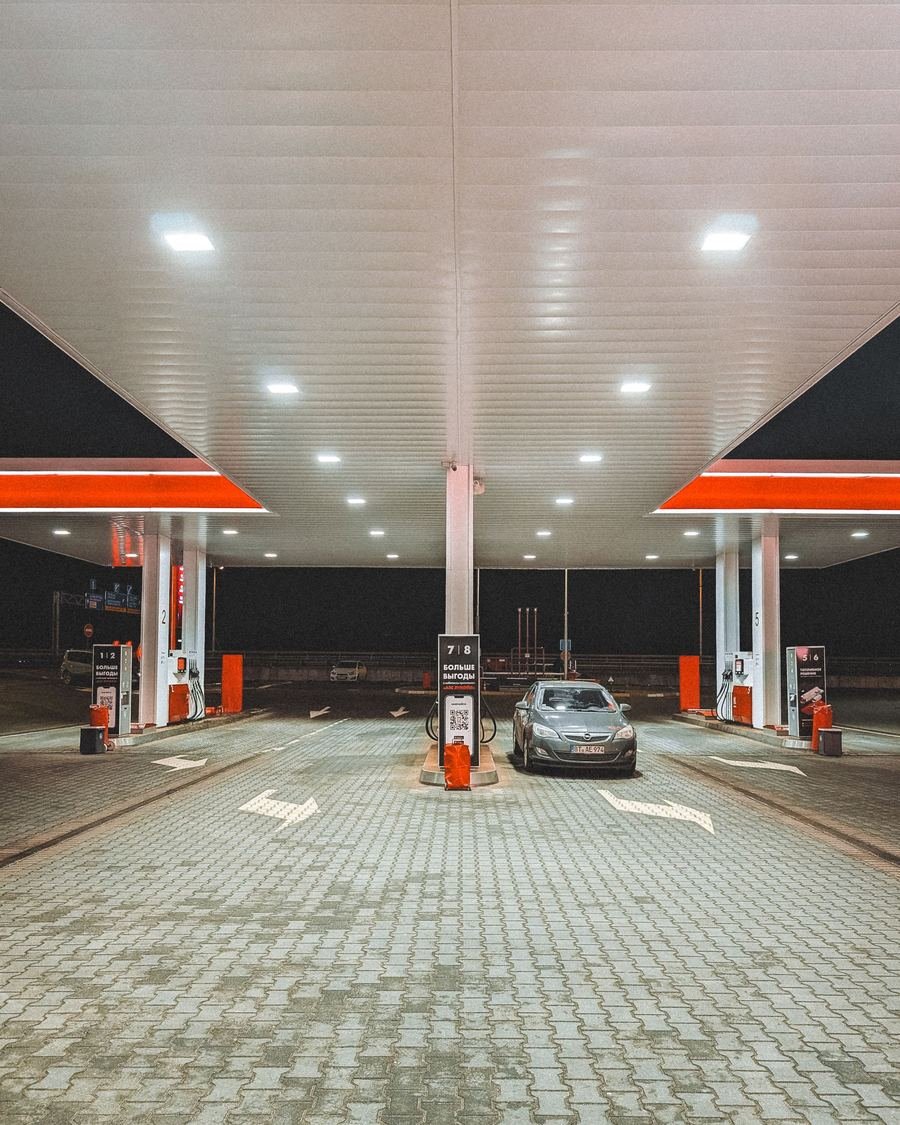
Most petrol stations still run on trust and a notebook. When the cash comes up short at the end of a shift, nobody can say which sale it came from. Petrovin records every sale the moment it happens, with the pump, the litres, the amount and the person responsible.
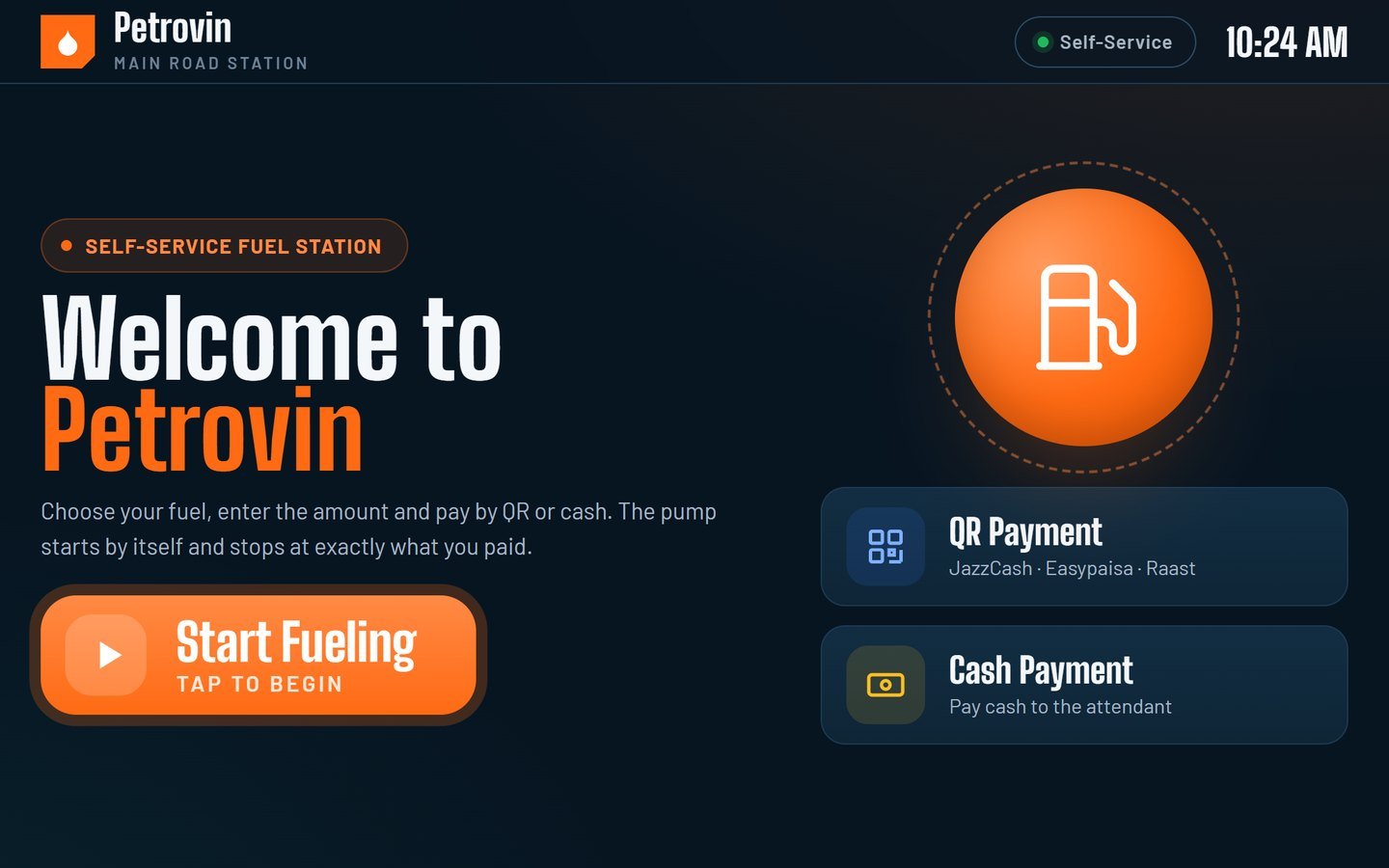
The Petrovin Kiosk
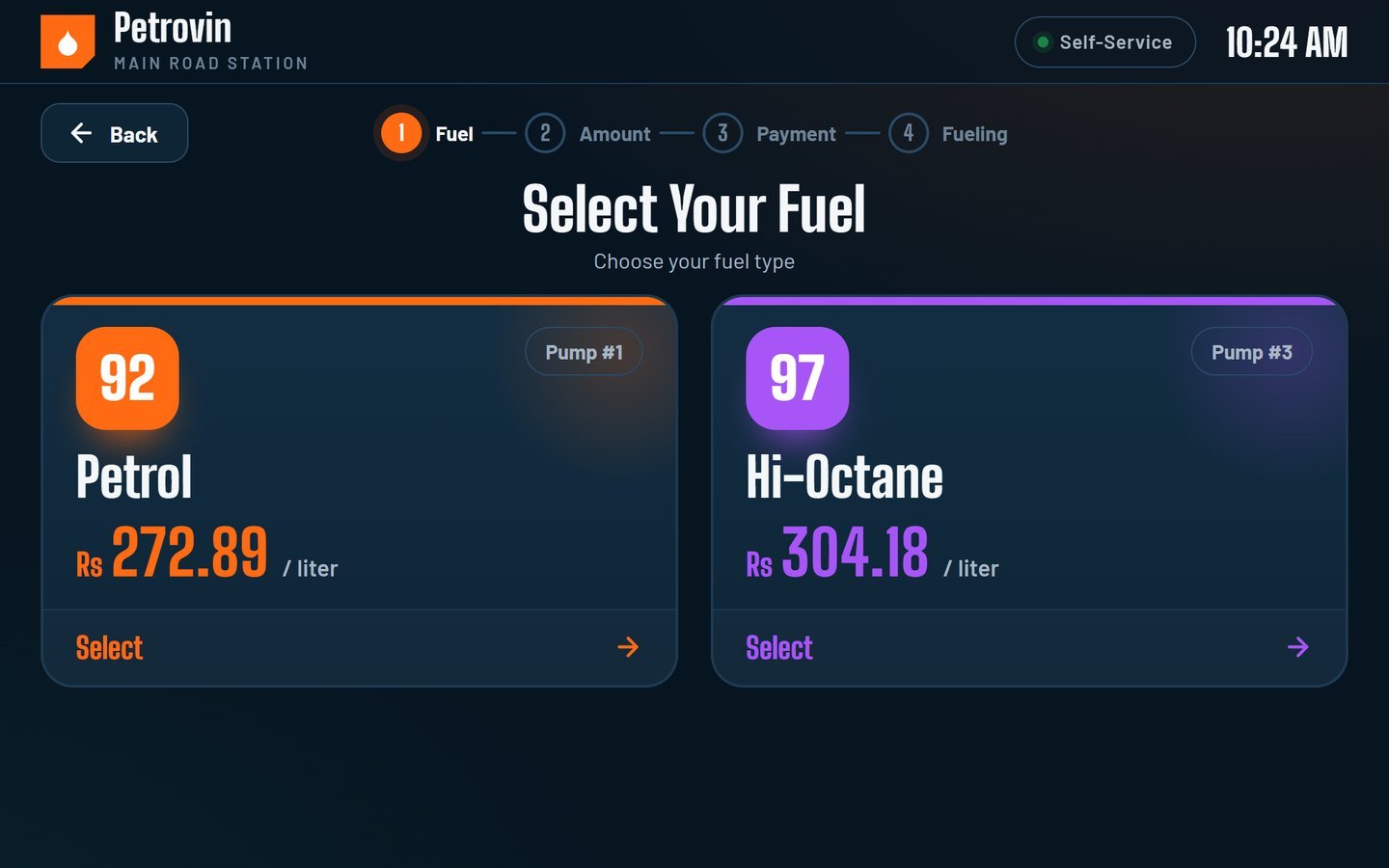
A large touchscreen built into the dispenser. Choose fuel, enter the amount, scan and pay. Quick amounts are one tap away, and the pump starts only after the payment is confirmed.
See the Full Flow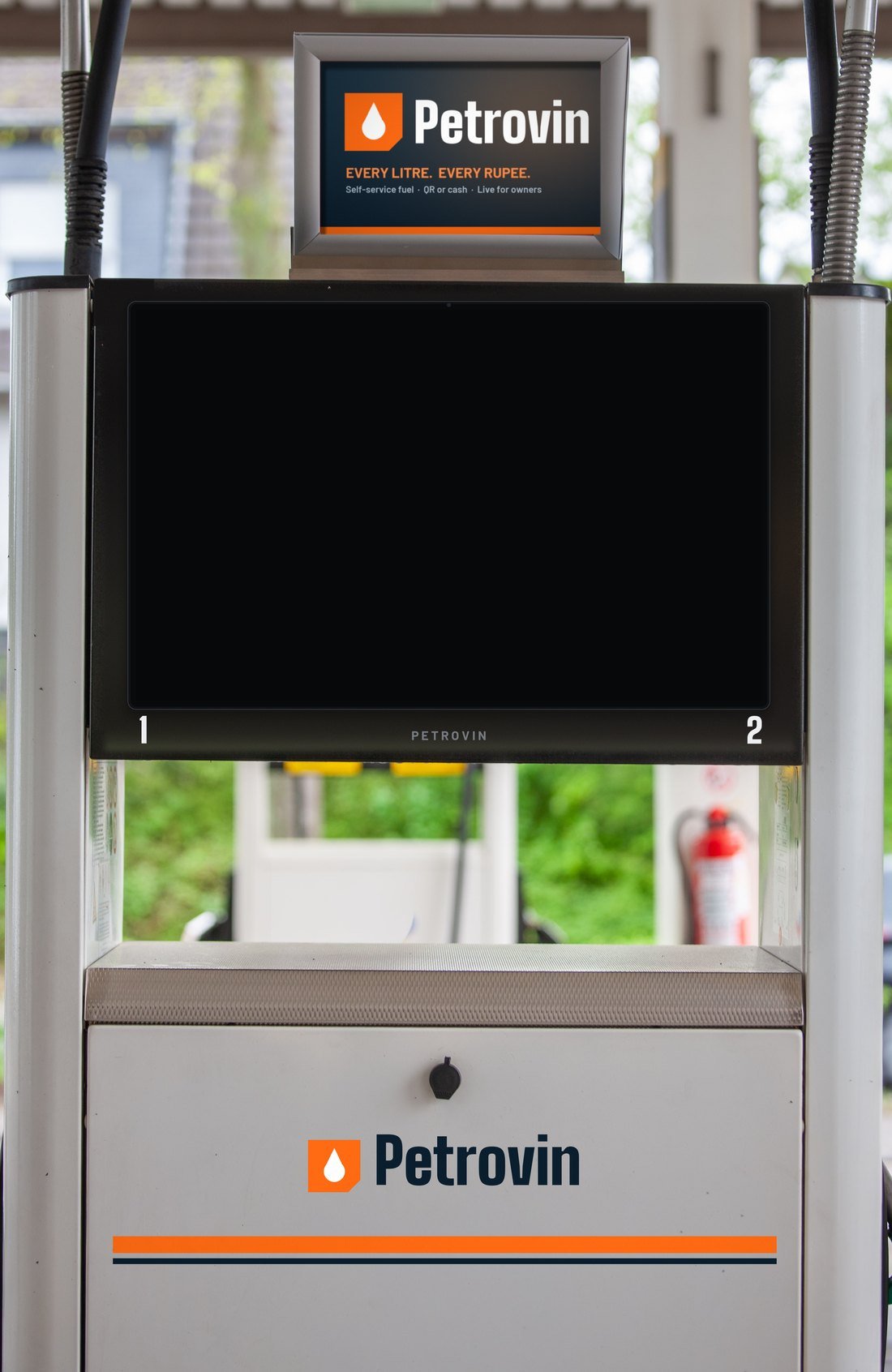
What Petrovin Does
Four connected parts, one record. Payments, people, pumps and reports all speak to each other, so nothing slips between them.
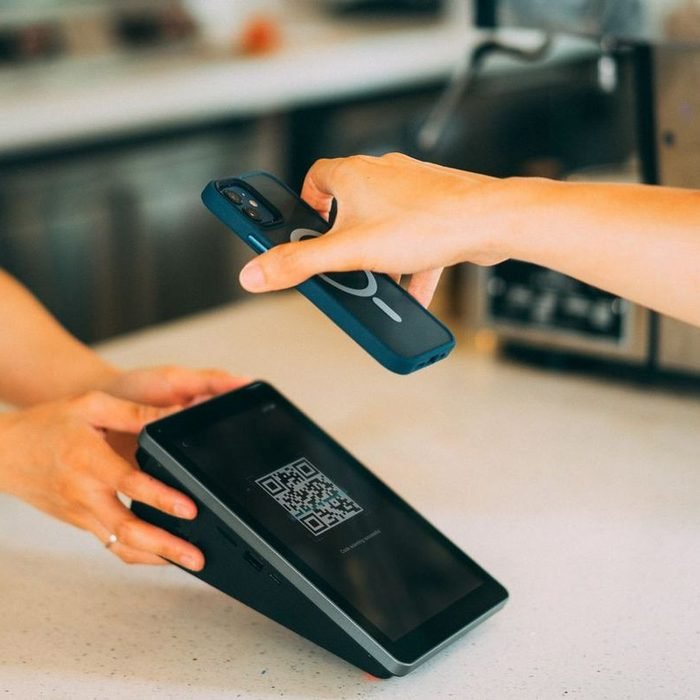
Customers scan and pay with JazzCash, Easypaisa or any bank app through Raast. No change to count, no waiting.
Every attendant signs in with their own 4-digit PIN. Each cash sale is written to their ledger and their shift.

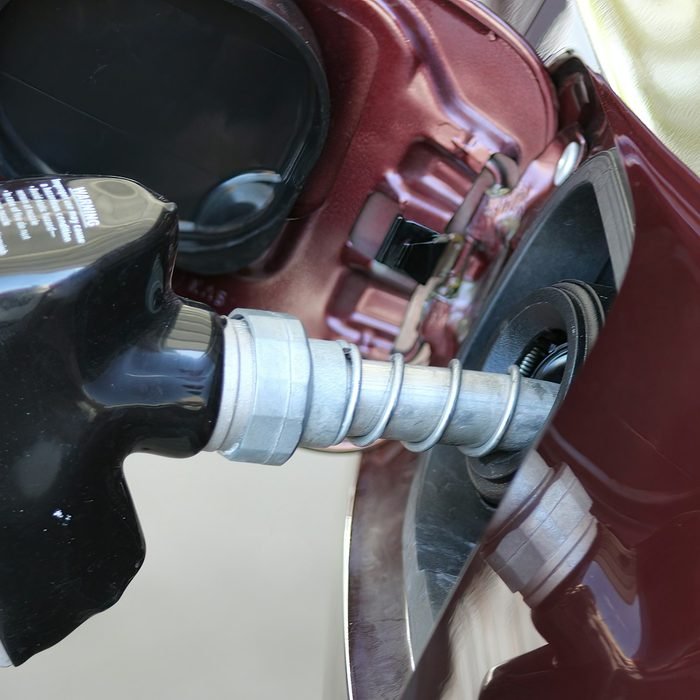
The pump opens after payment, counts every litre and closes at the exact amount. Emergency stop is always on screen.

Revenue, litres, cash and digital, pump status and fuel stock, refreshed every 30 seconds wherever you are.
How It Works
These are the real screens on the Petrovin pump, from the first tap to the moment the fuel stops.
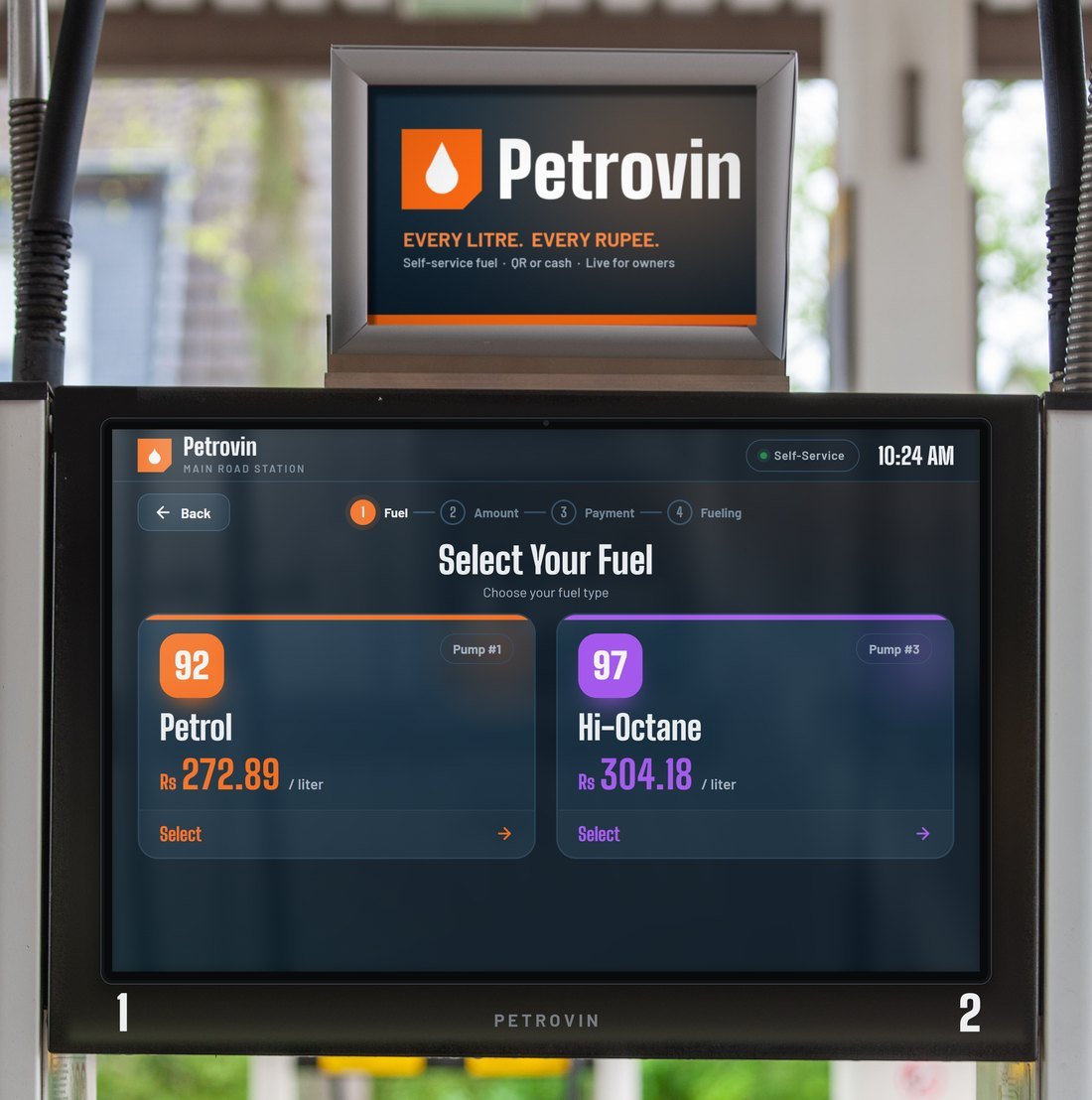
Petrol, Hi-Octane or Diesel, with today’s rate per litre right on the screen.
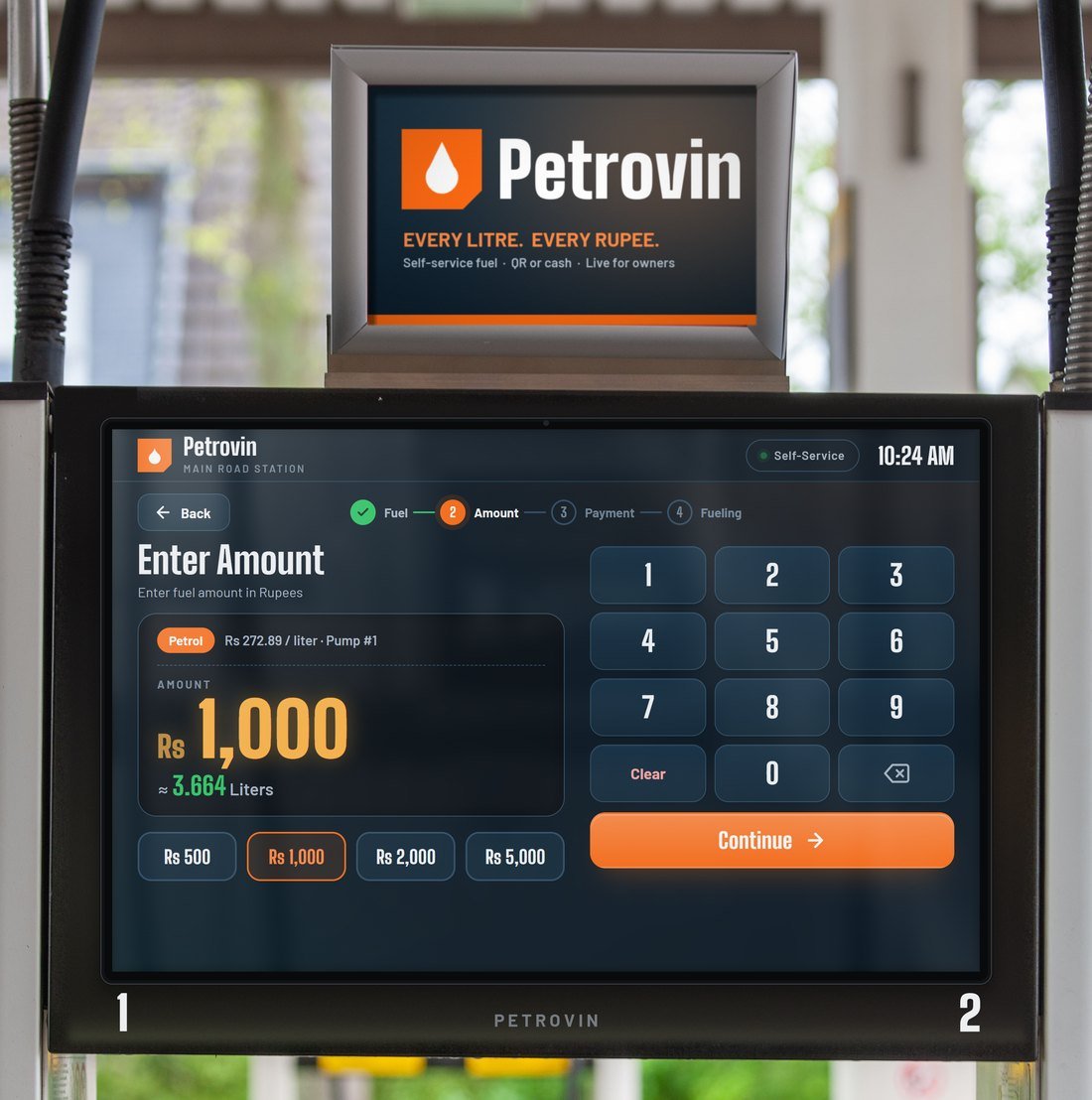
Quick buttons from Rs 500 to Rs 5,000, or type any amount. Litres are worked out instantly.
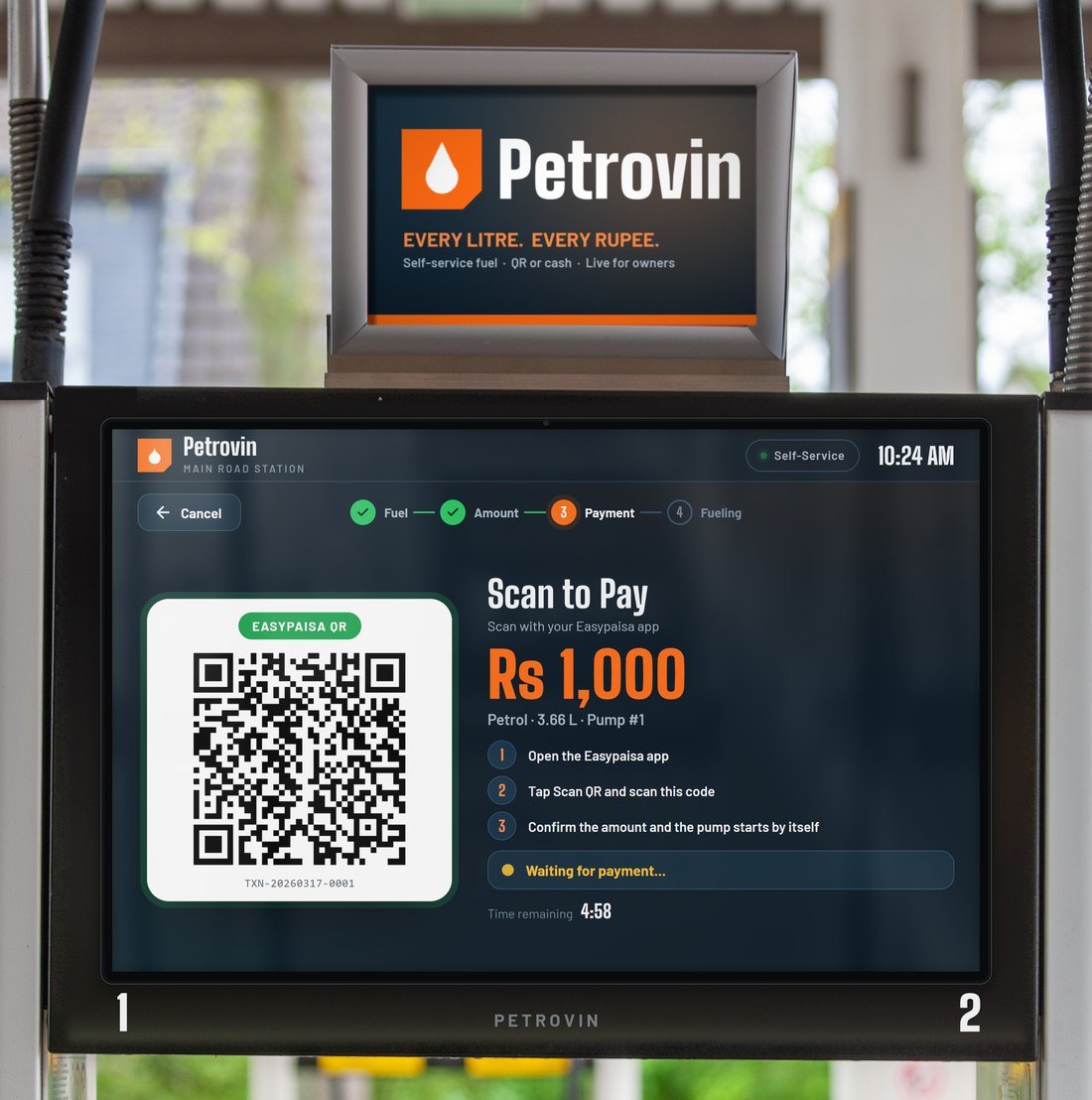
JazzCash, Easypaisa or Raast QR. The pump waits until the payment is confirmed.
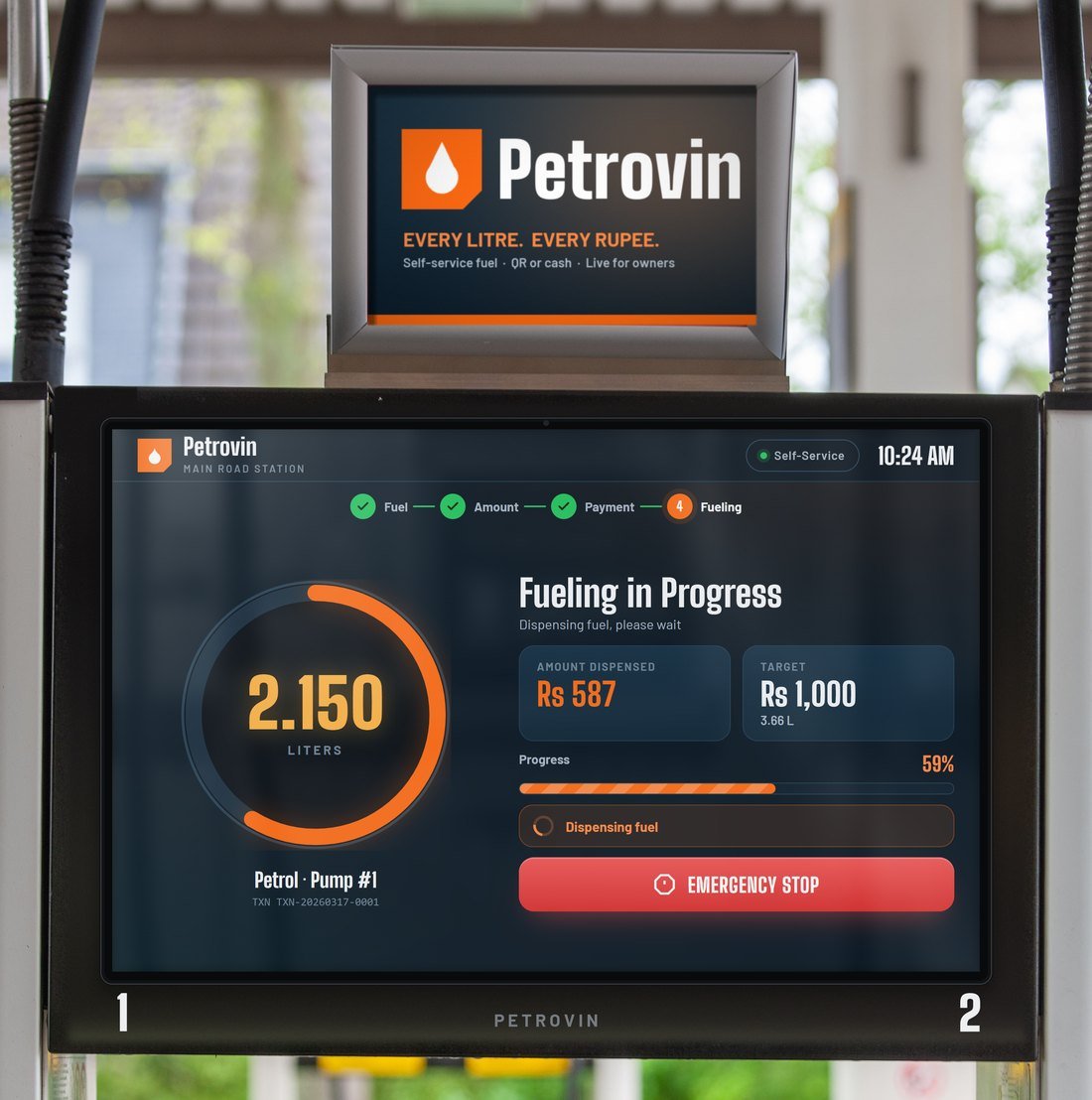
The live meter counts every litre and the pump stops at exactly the amount paid.
Paying cash? The customer pays the attendant as usual. The attendant enters their PIN, and the sale goes straight to their cash ledger before a drop of fuel moves.
See it in a demo
Pump Control
A small Petrovin controller sits with the pump. It waits for a confirmed payment, opens the flow, counts every litre and closes it at the exact amount.
Pump control is part of our pilot. We survey your dispensers before anything is installed.
For Owners
Check the day from home, the office or another city. The dashboard shows what is happening on the forecourt right now, not what someone tells you later.

Built for Pakistan
Local wallets, local language and the people who really run a forecourt, from the owner to the attendant on the night shift.
JazzCash, Easypaisa and Raast QR built in, plus cash through an attendant PIN.
Owner, manager, accountant, technician, attendant and admin, each with their own access.
Overview, sales, attendants, fuel and payments, with filters and charts.
FAQ
No. The software works with the station you already have. For automatic pump control a small Petrovin controller is added. During the pilot we check your machines first and confirm what is needed before anything is installed.
JazzCash QR, Easypaisa QR and Raast QR, which works with any Pakistani bank app. Cash sales go through an attendant with their own PIN.
Yes. The owner dashboard opens in any browser, on your phone or your computer, and refreshes on its own every 30 seconds.
Their own 4-digit PIN and a few taps on the screen. Every screen is in English and Urdu, and we train your staff during setup.
It depends on the number of pumps and nozzles at your station. Book a demo and we will share pricing once we understand your setup.
Pilot Programme
Pilot stations get a site survey, installation and staff training from the team that builds Petrovin, plus a direct line to us while we refine it with you.
Book a Demo
Tell us a little about your pump. We will call you to fix a time, at your station or on a video call. The demo takes about 15 minutes.